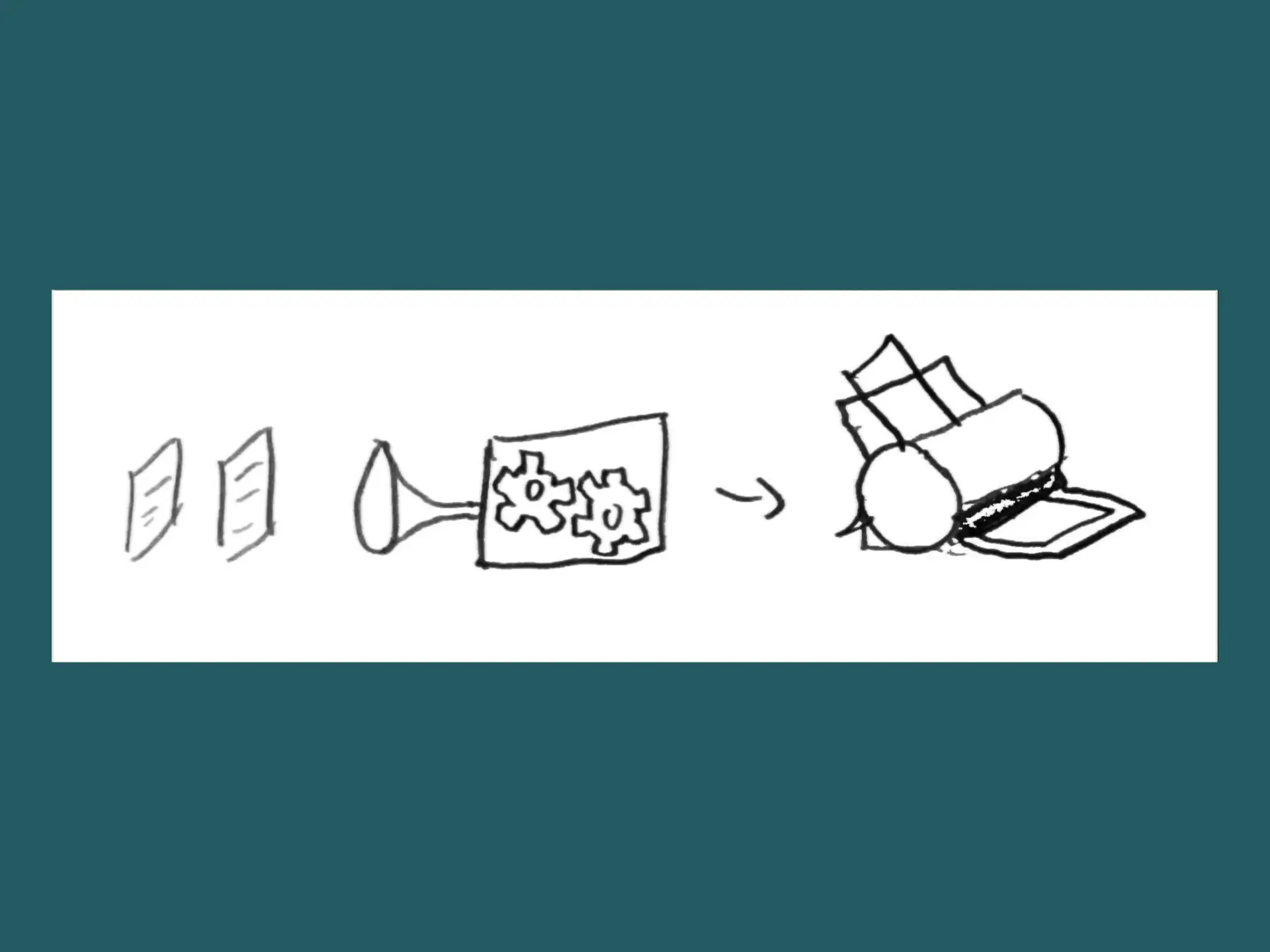
PDFs are a fine thing. But sometimes we want to edit them. Mostly for printing.
Pdfjam
This command-line tool named pdfjam uses latex to edit PDFs. It should be available in the repositories of most Linux distros. There are also useful examples.
You can offset pages of a (twosided) document in order to make room for a binding, etc.:
pdfjam --twoside myfile.pdf --offset '1cm 0cm' --suffix 'offset'
This doesn’t scale, it just shifts the content.
You can even use pdfjam to produce PDFs with two pages per page:
pdfjam myfile.pdf --trim '1cm 2cm 1cm 2cm' --clip true --outfile /dev/stdout | \
pdfjam --nup 2x1 --landscape --frame true --outfile myoutput.pdf
This cuts the four sides of the document and puts two sides on one.
Getting rid of Margins
If you want to print large documents two-sided, large margins will produce small text.
Pdfcrop
On Linux (Ubuntu) there is a nice command line tool called pdfcrop. Several examples are given here.
It removes all white margins of pdfs:
pdfcrop --margins '5 10 20 30' input.pdf output.pdf
Without the --margins flag, pdfcrop would produce zero margins, which
might look awkward.
Pdfscissors
There is also a nice Java tool with a GUI: pdfscissors. It shows you all pages of a document half-transparent stacked so that you can select what to cut on all pages simultaneously.
Pdftk
There is also the capable command-line tool called pdftk.